
Android App Development Program
Build modern native Android mobile applications using Kotlin, Android Studio, Jetpack Compose, and REST API integration.
Track Role
Android Developer Intern
Program Overview
The Android App Development track empowers you to create modern, responsive mobile applications for millions of Android devices. You will learn Kotlin syntax, Android SDK fundamentals, Jetpack Compose UI, local SQLite/Room storage, and how to connect your apps to cloud backend APIs.
Key Program Outcomes
Technologies & Tools Mastered
Guaranteed Deliverables
Detailed 4-Week Curriculum
Every week builds on the last, taking you from fundamentals to capstone project deployment.
Kotlin Fundamentals & Android Studio Setup
Set up Android Studio IDE, learn core Kotlin syntax, object-oriented principles, and basic Activity lifecycle.
Topics Covered:
Declarative UI with Jetpack Compose
Craft modern UI screens using Jetpack Compose, state hoisting, theme customization, and user input forms.
Topics Covered:
Networking, APIs & Local Persistence
Connect your Android app to external servers using Retrofit API client and store offline data with Room DB.
Topics Covered:
App Publishing Prep & Capstone Project
Complete your capstone Android app, optimize memory & UI performance, and generate APK binaries.
Topics Covered:
What Are Verified Credentials?
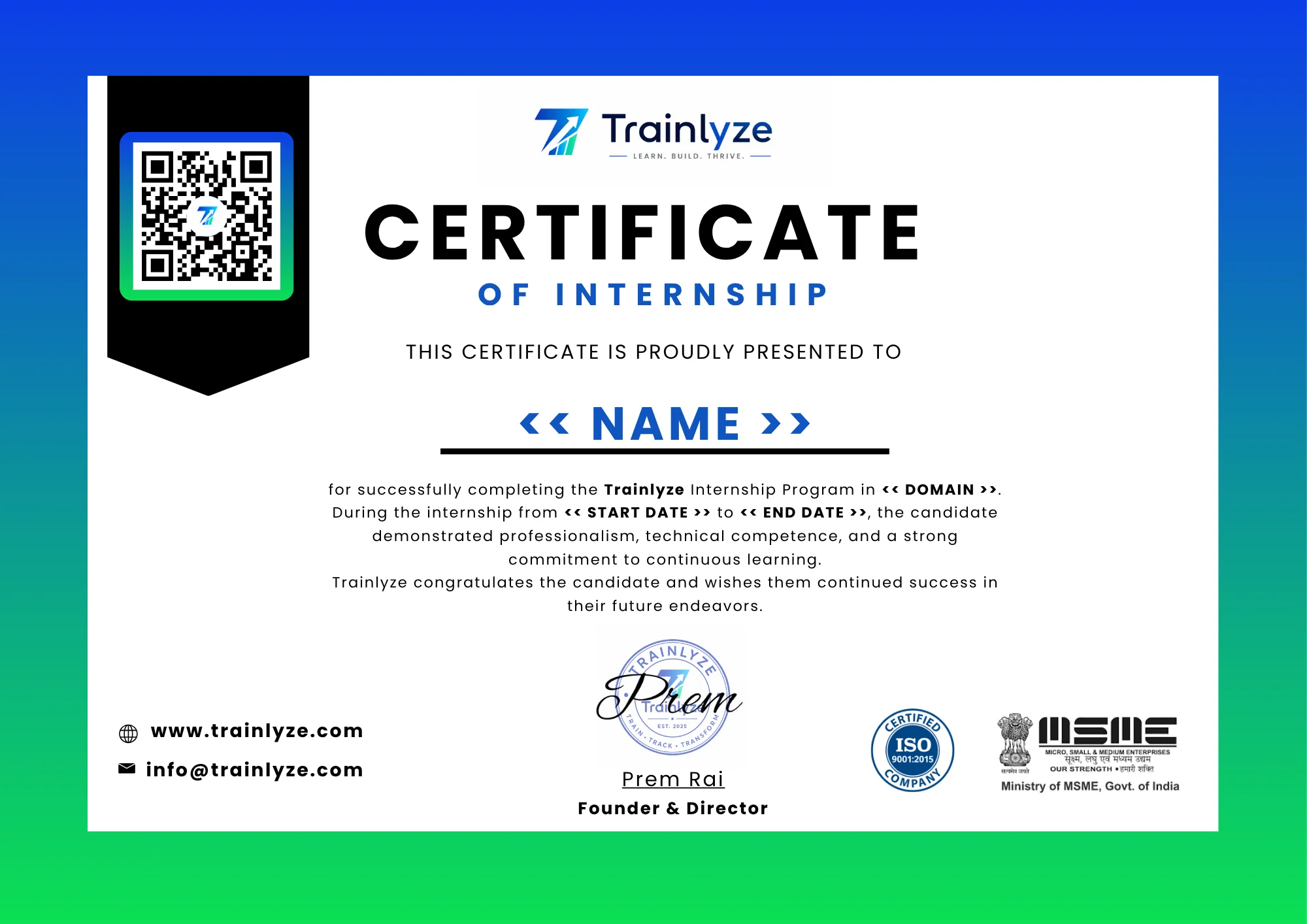
Upon completion of your 4-week program, you receive an official verified certificate featuring a unique Credential ID and QR code. Recruiters and employers can verify your certificate instantly on Trainlyze.
Frequently Asked Questions
Common questions regarding the Android App Development program.
What device specs do I need?
A computer with at least 8GB RAM is recommended to run Android Studio and emulator smoothly.
Can I test on a physical Android phone?
Yes! You can easily deploy and debug apps directly on your personal Android device via USB debugging.
Ready to Master Android App Development?
Join hundreds of trainees in our upcoming 4-week batch. Work on real projects and earn verified credentials.
Apply Now